refuznik
Stormtrooper
-
Inscription
-
Dernière visite
Tout ce qui a été posté par refuznik
-
 refuznik a répondu à un(e) sujet de superlapin62 dans Jeux vidéo, Consoles, Rétrogaming et Jeux occasionels
Little Dragon Cafe. Je dois dire que le screen avec le dragon m'a bien aidé.
refuznik a répondu à un(e) sujet de superlapin62 dans Jeux vidéo, Consoles, Rétrogaming et Jeux occasionelsWild Season ?
refuznik a répondu à un(e) sujet de superlapin62 dans Jeux vidéo, Consoles, Rétrogaming et Jeux occasionelsDamned grillé alors que je regardais les promos sur steam. Bon sinon il est de 2021.
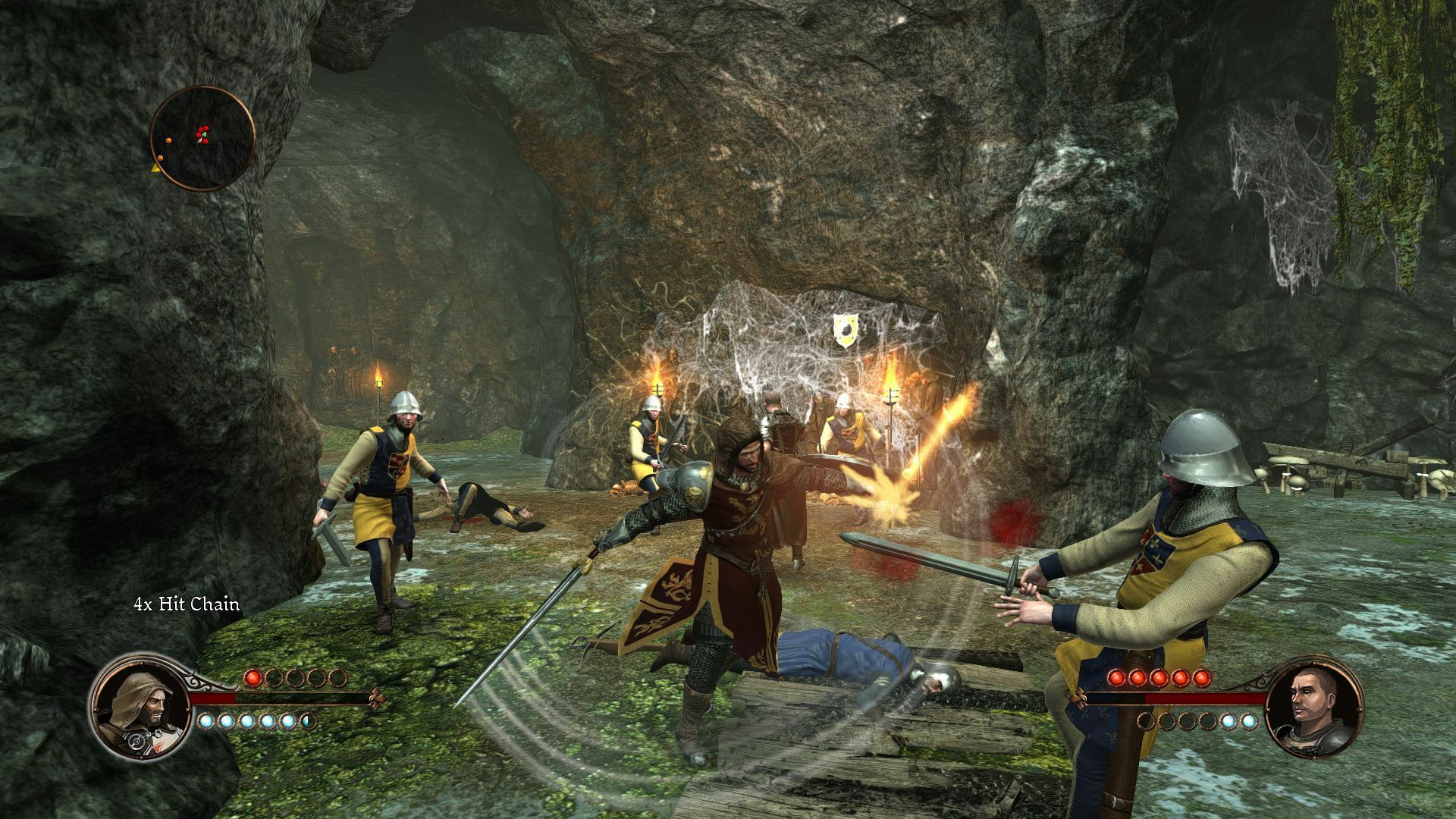
refuznik a répondu à un(e) sujet de superlapin62 dans Jeux vidéo, Consoles, Rétrogaming et Jeux occasionelsYep, c'est bien first templar.
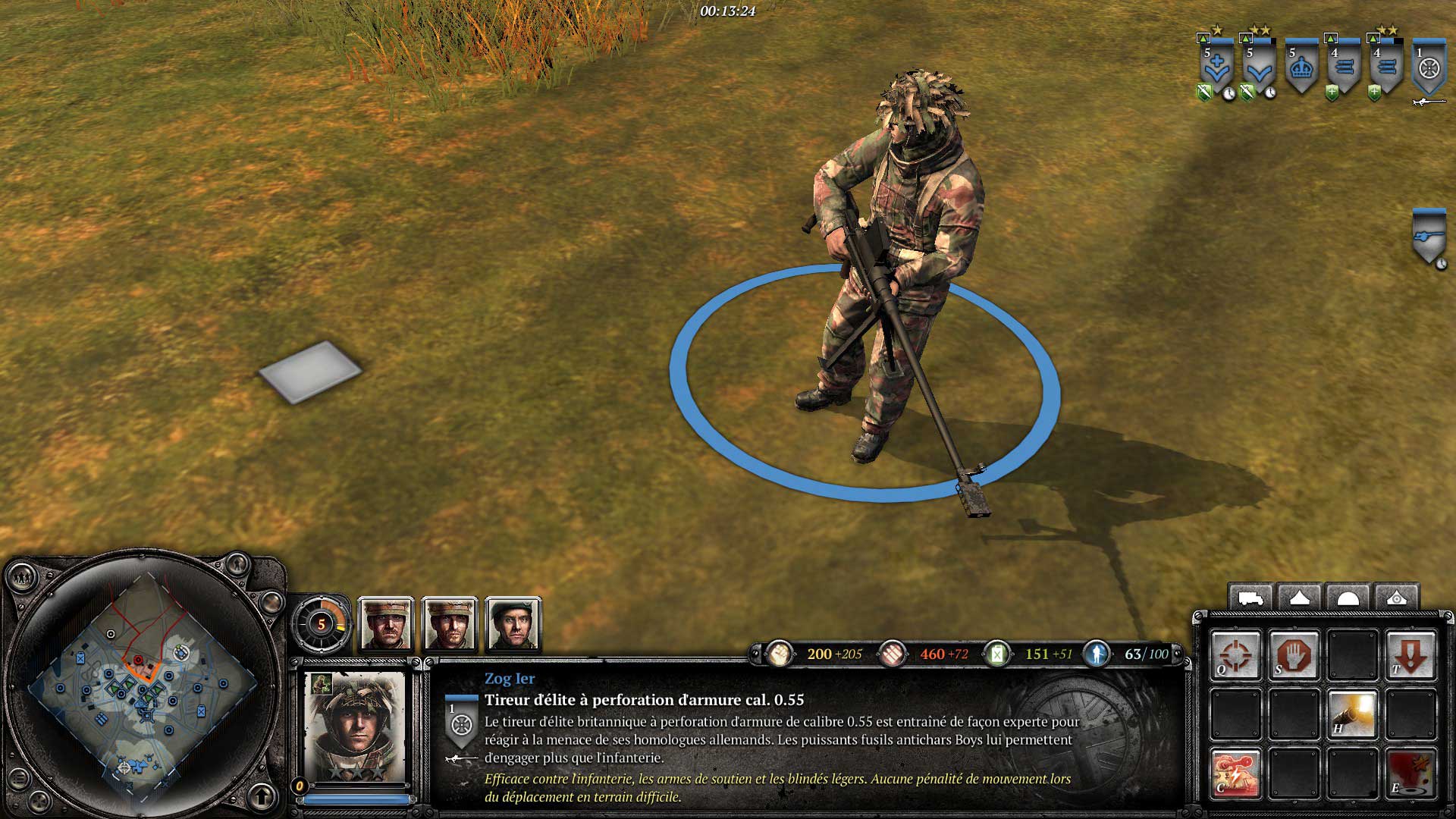
refuznik a répondu à un(e) sujet de superlapin62 dans Jeux vidéo, Consoles, Rétrogaming et Jeux occasionelsBon vu que ça avance pas trop un nouveau screen :
refuznik a répondu à un(e) sujet de superlapin62 dans Jeux vidéo, Consoles, Rétrogaming et Jeux occasionels
refuznik a répondu à un(e) sujet de superlapin62 dans Jeux vidéo, Consoles, Rétrogaming et Jeux occasionelsLittle Dragon Cafe. Je dois dire que le screen avec le dragon m'a bien aidé.
refuznik a répondu à un(e) sujet de superlapin62 dans Jeux vidéo, Consoles, Rétrogaming et Jeux occasionelsWild Season ?
refuznik a répondu à un(e) sujet de superlapin62 dans Jeux vidéo, Consoles, Rétrogaming et Jeux occasionelsDamned grillé alors que je regardais les promos sur steam. Bon sinon il est de 2021.
refuznik a répondu à un(e) sujet de superlapin62 dans Jeux vidéo, Consoles, Rétrogaming et Jeux occasionelsYep, c'est bien first templar.
refuznik a répondu à un(e) sujet de superlapin62 dans Jeux vidéo, Consoles, Rétrogaming et Jeux occasionelsBon vu que ça avance pas trop un nouveau screen :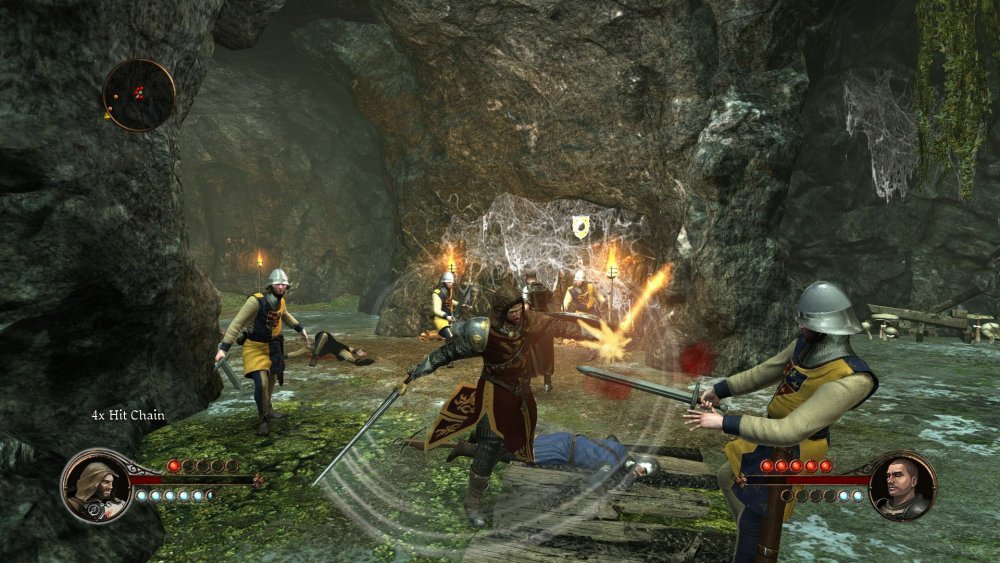 refuznik a répondu à un(e) sujet de superlapin62 dans Jeux vidéo, Consoles, Rétrogaming et Jeux occasionelsJe ne le connaissais pas my bad.
refuznik a répondu à un(e) sujet de superlapin62 dans Jeux vidéo, Consoles, Rétrogaming et Jeux occasionelsNan, ça aurait trop facile.
refuznik a répondu à un(e) sujet de superlapin62 dans Jeux vidéo, Consoles, Rétrogaming et Jeux occasionelsBon suivant :
refuznik a répondu à un(e) sujet de superlapin62 dans Jeux vidéo, Consoles, Rétrogaming et Jeux occasionelsJe ne le connaissais pas my bad.
refuznik a répondu à un(e) sujet de superlapin62 dans Jeux vidéo, Consoles, Rétrogaming et Jeux occasionelsNan, ça aurait trop facile.
refuznik a répondu à un(e) sujet de superlapin62 dans Jeux vidéo, Consoles, Rétrogaming et Jeux occasionelsBon suivant :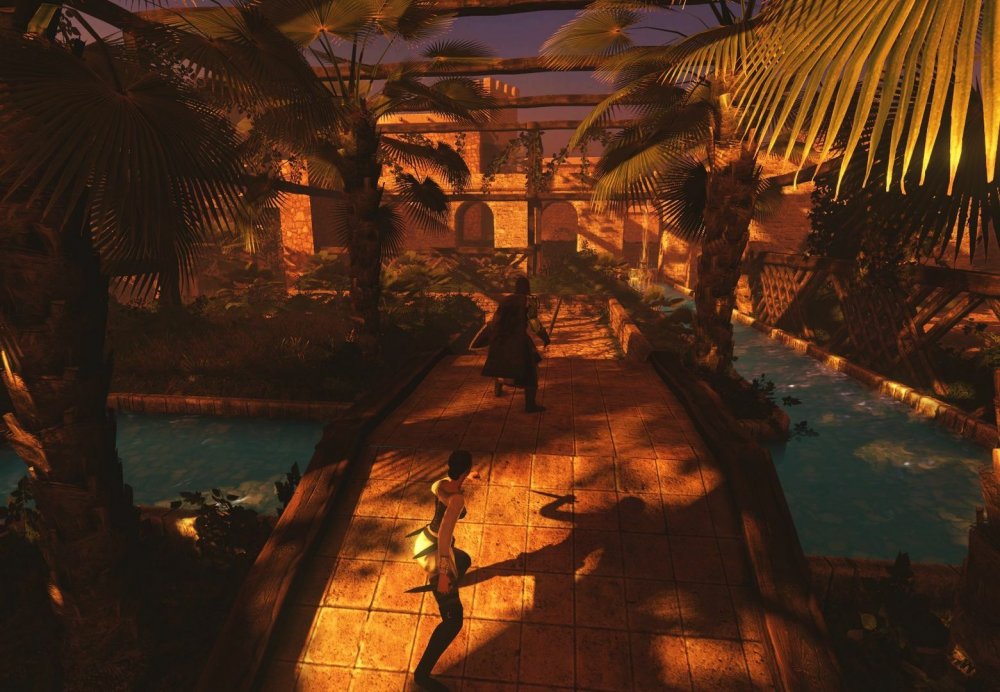 refuznik a répondu à un(e) sujet de superlapin62 dans Jeux vidéo, Consoles, Rétrogaming et Jeux occasionelsAmerican Fugitive. Marrant, je viens de tomber par hasard dessus en regardant ma liste protondb.
refuznik a répondu à un(e) sujet de superlapin62 dans Jeux vidéo, Consoles, Rétrogaming et Jeux occasionels+1 pour foetus.
refuznik a répondu à un(e) sujet de superlapin62 dans Jeux vidéo, Consoles, Rétrogaming et Jeux occasionelsToujours pas.
refuznik a répondu à un(e) sujet de superlapin62 dans Jeux vidéo, Consoles, Rétrogaming et Jeux occasionelsNan 😇
refuznik a répondu à un(e) sujet de superlapin62 dans Jeux vidéo, Consoles, Rétrogaming et Jeux occasionelsBon allons-y allonzo :
refuznik a répondu à un(e) sujet de superlapin62 dans Jeux vidéo, Consoles, Rétrogaming et Jeux occasionelsAmerican Fugitive. Marrant, je viens de tomber par hasard dessus en regardant ma liste protondb.
refuznik a répondu à un(e) sujet de superlapin62 dans Jeux vidéo, Consoles, Rétrogaming et Jeux occasionels+1 pour foetus.
refuznik a répondu à un(e) sujet de superlapin62 dans Jeux vidéo, Consoles, Rétrogaming et Jeux occasionelsToujours pas.
refuznik a répondu à un(e) sujet de superlapin62 dans Jeux vidéo, Consoles, Rétrogaming et Jeux occasionelsNan 😇
refuznik a répondu à un(e) sujet de superlapin62 dans Jeux vidéo, Consoles, Rétrogaming et Jeux occasionelsBon allons-y allonzo : refuznik a répondu à un(e) sujet de superlapin62 dans Jeux vidéo, Consoles, Rétrogaming et Jeux occasionelsCornerstone: The Song of Tyrim.
@Digital Jedi Il faut lire correctement les options d'achats sur ces sites d'achats. Tu as toujours des options à décocher (et elles ne sont pas forcément cliquable sur la facture finale) pour payer le prix affiché et ça roule.
refuznik a répondu à un(e) sujet de superlapin62 dans Jeux vidéo, Consoles, Rétrogaming et Jeux occasionelsPlaying History : Vikings ?
Je ne dirai pas une salle de concert mais plutôt pour du studio c'est vrai aussi qu'ils sont spécialisé sur la musique/audio pas la vidéo. Par contre je n'arrive pas à comprendre ton truc sur le moteur de recherche peut-être que ça vient de ton navigateur. Par exemple pour casque dans la fenêtre il me propose Casques (351), Casques Audio (895), Casques DJ (40), Casques studio (150), Casque TV (13), Casques Hi-FI (206), Casque sans fil (70). Et si je clique sur sans fil j'ai plus bas prix 21.90 € et plus haut 1000 €. Certes des fois il précise semi-ouvert, fermé ou circumaural mais il ne le font pas tous les produits, il faut passer par le menu de choix de la colonne de gauche. Si je le proposais c'est non seulement ils ont du stock mais aussi ils sont pas cher. Par contre c'est vrai pour certains produits il faut savoir ce que l'on cherche à l'avance voir sa fiche sur un autre site. Pour info c'est chez eux que j'ai pris mon AKG K240 MGII (vraiment pas cher).
Tu en trouves sur Amazon facilement https://www.amazon.fr/Bluetooth-Amplificateur-amplificateur-Smartphone-Ordinateurs/dp/B01LY7RYQO Si tu cherches des trucs plus pointus je ne peux que te conseiller thomann.de ; en musique je n'ai pas trouvé mieux.
refuznik a répondu à un(e) sujet de superlapin62 dans Jeux vidéo, Consoles, Rétrogaming et Jeux occasionelsYep, t'inquiète j'ai corrigé.
refuznik a répondu à un(e) sujet de superlapin62 dans Jeux vidéo, Consoles, Rétrogaming et Jeux occasionelsYep bien vu. @ElMarcassin N'oublie pas de reporter les scores.
refuznik a répondu à un(e) sujet de superlapin62 dans Jeux vidéo, Consoles, Rétrogaming et Jeux occasionelsBon appétit :
refuznik a répondu à un(e) sujet de superlapin62 dans Jeux vidéo, Consoles, Rétrogaming et Jeux occasionelsCornerstone: The Song of Tyrim.
@Digital Jedi Il faut lire correctement les options d'achats sur ces sites d'achats. Tu as toujours des options à décocher (et elles ne sont pas forcément cliquable sur la facture finale) pour payer le prix affiché et ça roule.
refuznik a répondu à un(e) sujet de superlapin62 dans Jeux vidéo, Consoles, Rétrogaming et Jeux occasionelsPlaying History : Vikings ?
Je ne dirai pas une salle de concert mais plutôt pour du studio c'est vrai aussi qu'ils sont spécialisé sur la musique/audio pas la vidéo. Par contre je n'arrive pas à comprendre ton truc sur le moteur de recherche peut-être que ça vient de ton navigateur. Par exemple pour casque dans la fenêtre il me propose Casques (351), Casques Audio (895), Casques DJ (40), Casques studio (150), Casque TV (13), Casques Hi-FI (206), Casque sans fil (70). Et si je clique sur sans fil j'ai plus bas prix 21.90 € et plus haut 1000 €. Certes des fois il précise semi-ouvert, fermé ou circumaural mais il ne le font pas tous les produits, il faut passer par le menu de choix de la colonne de gauche. Si je le proposais c'est non seulement ils ont du stock mais aussi ils sont pas cher. Par contre c'est vrai pour certains produits il faut savoir ce que l'on cherche à l'avance voir sa fiche sur un autre site. Pour info c'est chez eux que j'ai pris mon AKG K240 MGII (vraiment pas cher).
Tu en trouves sur Amazon facilement https://www.amazon.fr/Bluetooth-Amplificateur-amplificateur-Smartphone-Ordinateurs/dp/B01LY7RYQO Si tu cherches des trucs plus pointus je ne peux que te conseiller thomann.de ; en musique je n'ai pas trouvé mieux.
refuznik a répondu à un(e) sujet de superlapin62 dans Jeux vidéo, Consoles, Rétrogaming et Jeux occasionelsYep, t'inquiète j'ai corrigé.
refuznik a répondu à un(e) sujet de superlapin62 dans Jeux vidéo, Consoles, Rétrogaming et Jeux occasionelsYep bien vu. @ElMarcassin N'oublie pas de reporter les scores.
refuznik a répondu à un(e) sujet de superlapin62 dans Jeux vidéo, Consoles, Rétrogaming et Jeux occasionelsBon appétit :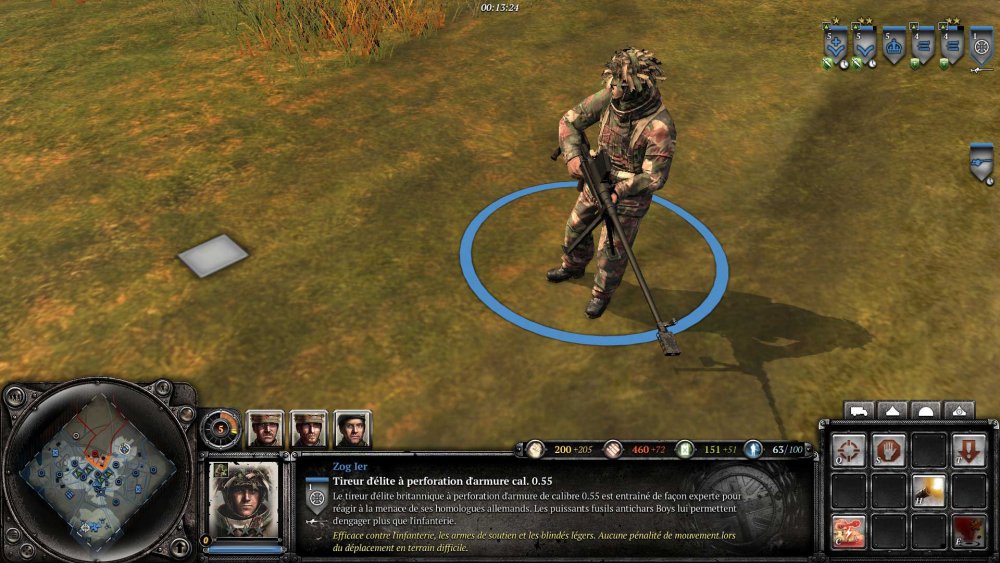 refuznik a répondu à un(e) sujet de superlapin62 dans Jeux vidéo, Consoles, Rétrogaming et Jeux occasionelsParaWorld 🙂