CryoGen
INpactien
-
Inscription
-
Dernière visite
Tout ce qui a été posté par CryoGen
-
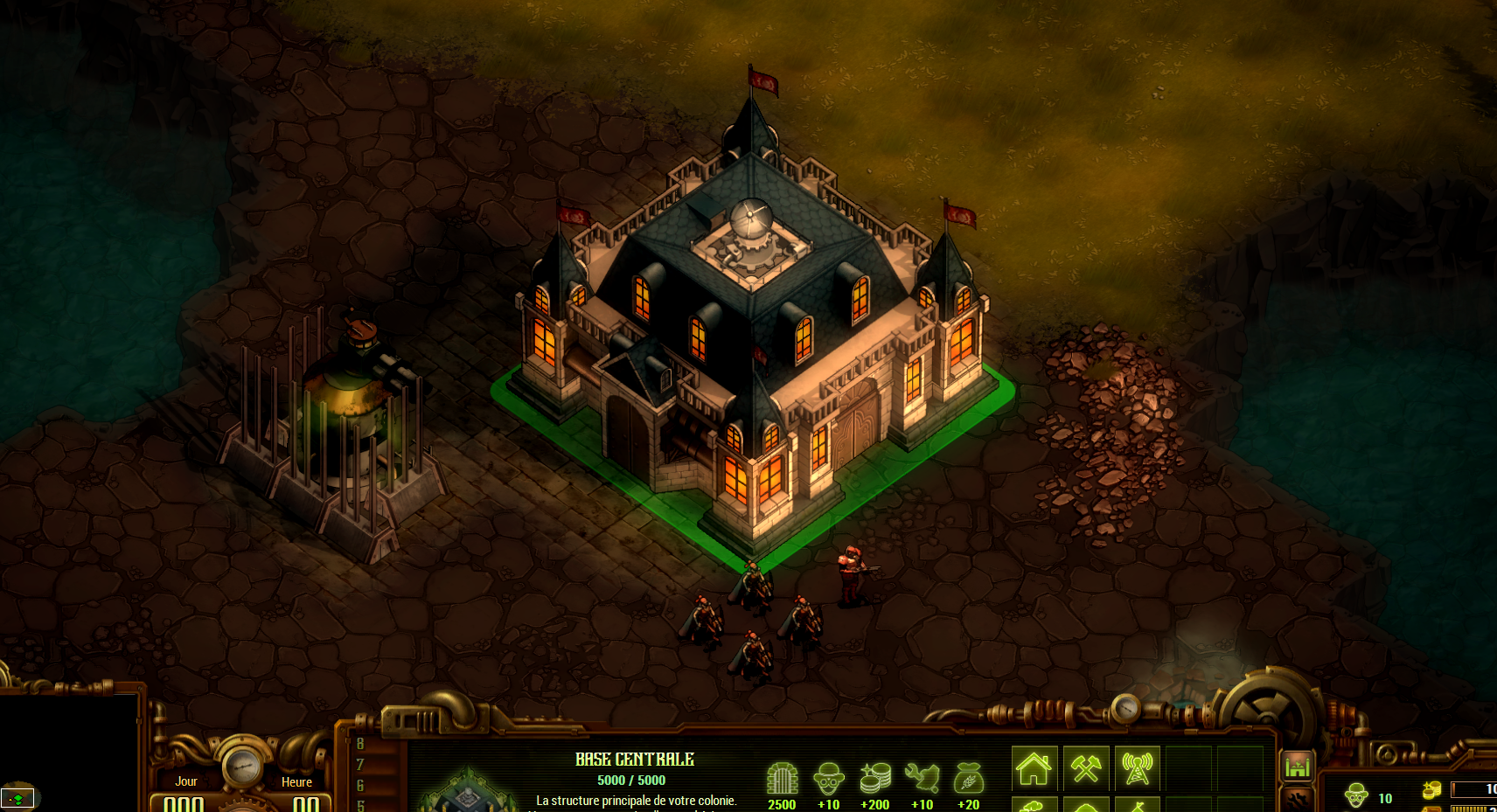
 Dark Shadows ?
 -
CryoGen a répondu à un(e) sujet de superlapin62 dans Jeux vidéo, Consoles, Rétrogaming et Jeux occasionelsSpace Pirates and Zombies ? (sans trop de conviction)
-
-
-
-
CryoGen a répondu à un(e) sujet de superlapin62 dans Jeux vidéo, Consoles, Rétrogaming et Jeux occasionels@wawadou c'est bien ça 🙂
-
CryoGen a répondu à un(e) sujet de superlapin62 dans Jeux vidéo, Consoles, Rétrogaming et Jeux occasionelsMerci JDG

-
CryoGen a répondu à un(e) sujet de superlapin62 dans Jeux vidéo, Consoles, Rétrogaming et Jeux occasionelsShaq Fu
-
CryoGen a répondu à un(e) sujet de superlapin62 dans Jeux vidéo, Consoles, Rétrogaming et Jeux occasionelsC'est bien ça !
-
CryoGen a répondu à un(e) sujet de superlapin62 dans Jeux vidéo, Consoles, Rétrogaming et Jeux occasionels
CryoGen a répondu à un(e) sujet de superlapin62 dans Jeux vidéo, Consoles, Rétrogaming et Jeux occasionelsHum je dirais plutôt "Space Run" non ?
Sans conviction, Prince of Persia ?
(aucune idée pour le film )
 The Trump Wall : Nightmare ?
Gagné ! Rappel : Pas le droit de répondre en premier après avoir soumis une capture tant qu'un autre n'a pas fait de proposition ou avant un délai de 24H
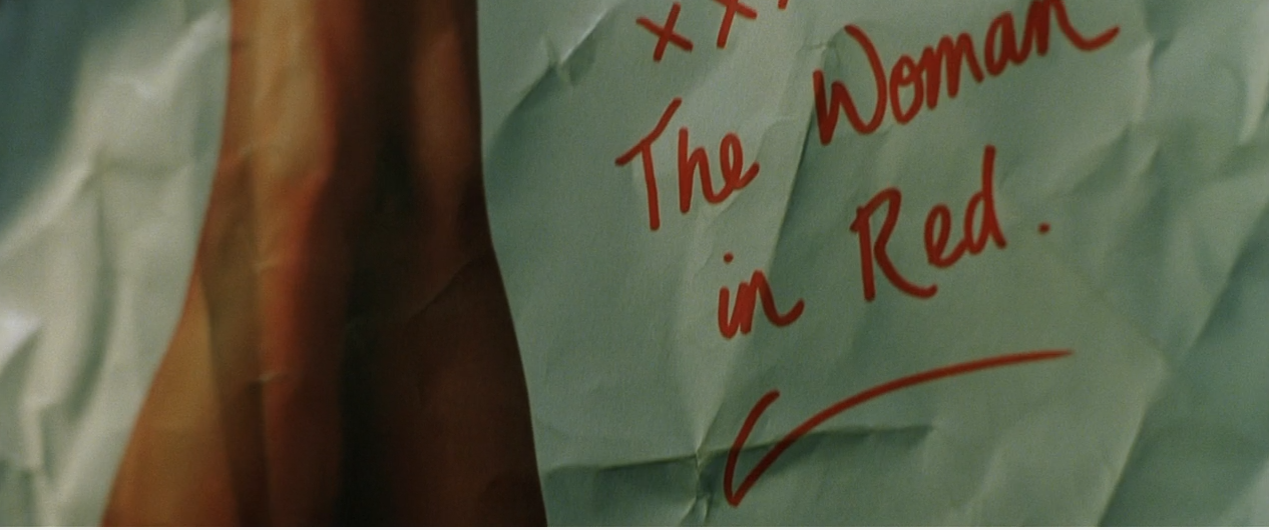
Et bah non Faux ! Indice (même scène, quelques "frames" en arrière)
The Trump Wall : Nightmare ?
Gagné ! Rappel : Pas le droit de répondre en premier après avoir soumis une capture tant qu'un autre n'a pas fait de proposition ou avant un délai de 24H
Et bah non Faux ! Indice (même scène, quelques "frames" en arrière)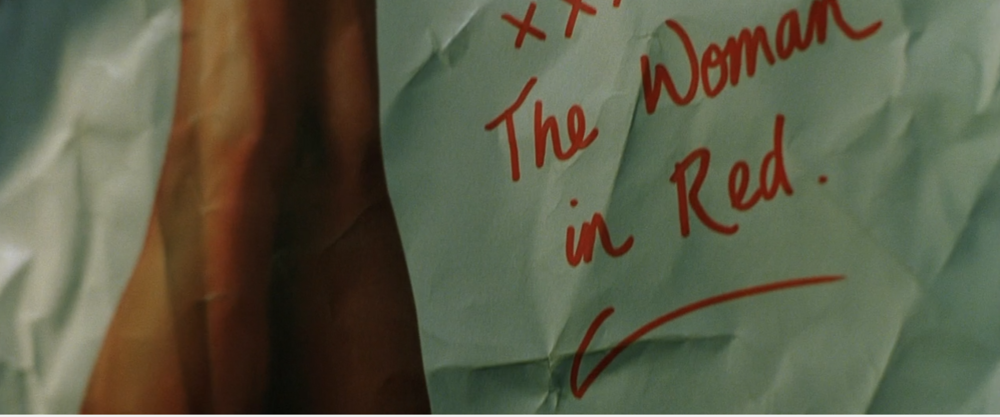 Eeeeetttttttttt non.
nope nope²
La Momie ?
wtf
Bien joué @foetus !
Bon, après cette honteuse tentative de triche de @Spirit_twin 😛 , voici un screen simple...
Eeeeetttttttttt non.
nope nope²
La Momie ?
wtf
Bien joué @foetus !
Bon, après cette honteuse tentative de triche de @Spirit_twin 😛 , voici un screen simple... Benjamin Gates et le livre des secrets
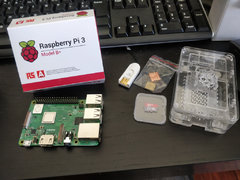
Depuis l’album : Domotique-CryoGen