Tout ce qui a été posté par ElMarcassin
-
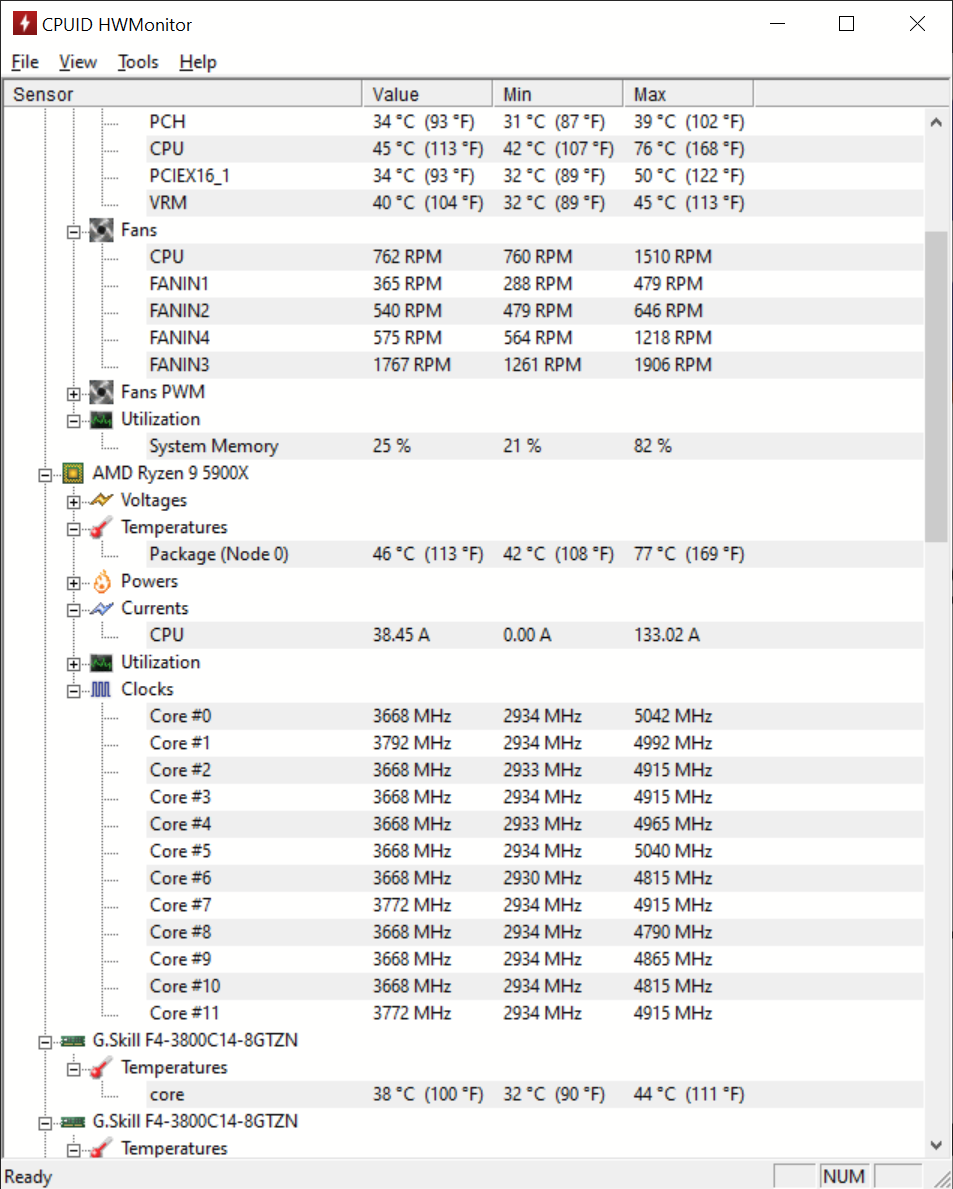
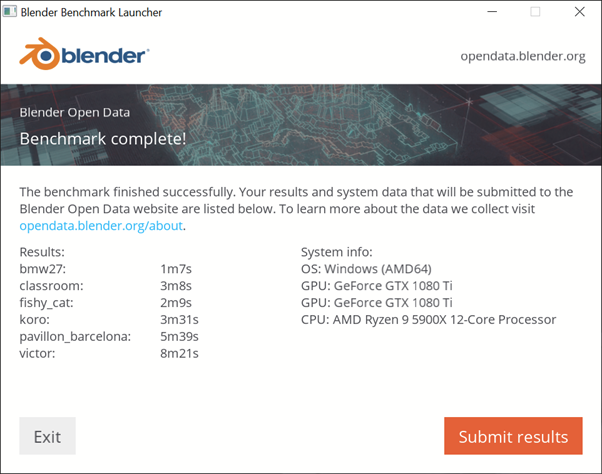
 Petit retour également, mais avec un 5900X cette fois-ci. Les températures sont très bonnes je trouve (le 77 était après une utilisation intensive de3d mark et une foultitude de benchs). C'est du air cooling et de la NT-H1 comme pâte thermique. Par contre, je ne sais pas si je dois m'inquiéter de l'ampérage max par rapport à RinDman. Je laisse Ryzen Center tout gérer tout seul. Et pour Carpe_Diem, j'ai aussi fait un test Blender. On tourne bien sûr autour des résultats de RinDman.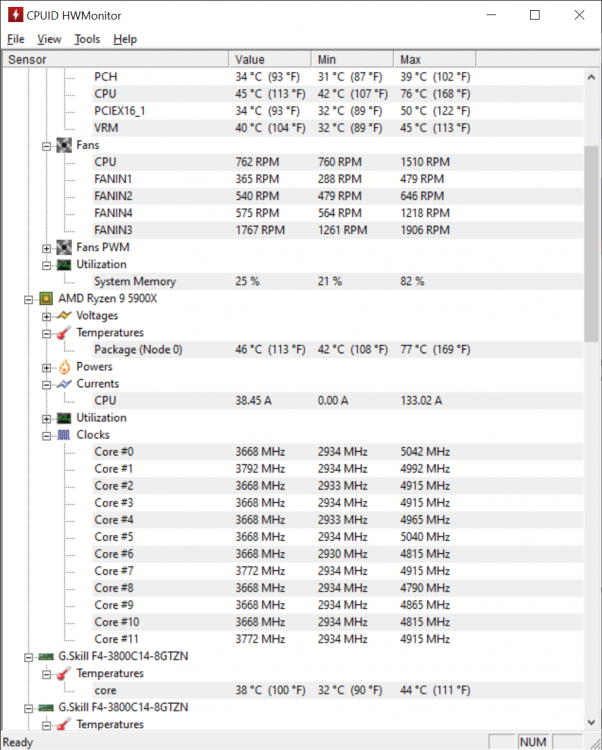
- 110 réponses
-
-

- 2
-
-
- am4
- overclocking
- amd
- ryzen
-
Étiqueté avec :