





RFN
INpactien
-
Inscription
-
Dernière visite
Tout ce qui a été posté par RFN
-
 4 garçons plein d'avenir ?
-
Bravo
-
Cette une série : je ne me serai pas permis. Le tout début du film :

-
Ben non : il a une tête mon cavalier Non plus...
-
Ni World of warcraft, ni Warcraft le commencement...

-
Non plus ...
-
Non plus...
non
Et c'est reparti...
 Et un changement des règles... Eddie The Eagle ?
RFN a répondu à un(e) sujet de superlapin62 dans Jeux vidéo, Consoles, Rétrogaming et Jeux occasionelsyesss Je savais que ce serait facile
RFN a répondu à un(e) sujet de superlapin62 dans Jeux vidéo, Consoles, Rétrogaming et Jeux occasionelsun facile
 RFN a répondu à un(e) sujet de superlapin62 dans Jeux vidéo, Consoles, Rétrogaming et Jeux occasionelsFury of the furies Éditeur Kalisto Entertainment Développeur Atreid Concept
Yessss
Ce n'était pas facile ! C'est reparti ...
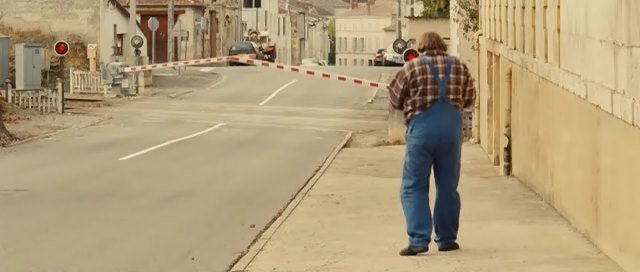 Happy Death Day ?
Oui
Un indice supplémentaire ? Là, ça devrait trouver...
 Et c'est reparti...
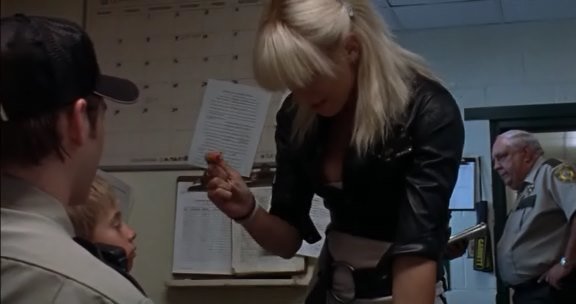 Léon ?
Bien joué Carpe_Diem, c'est bien toutes nos envies
Allez, là ça doit aider :
 pas même une proposition ?

