
Tout ce qui a été posté par ceric64
-
 Ci-dessous, ma dernière folie : HP Probook 650 G2 chez BM: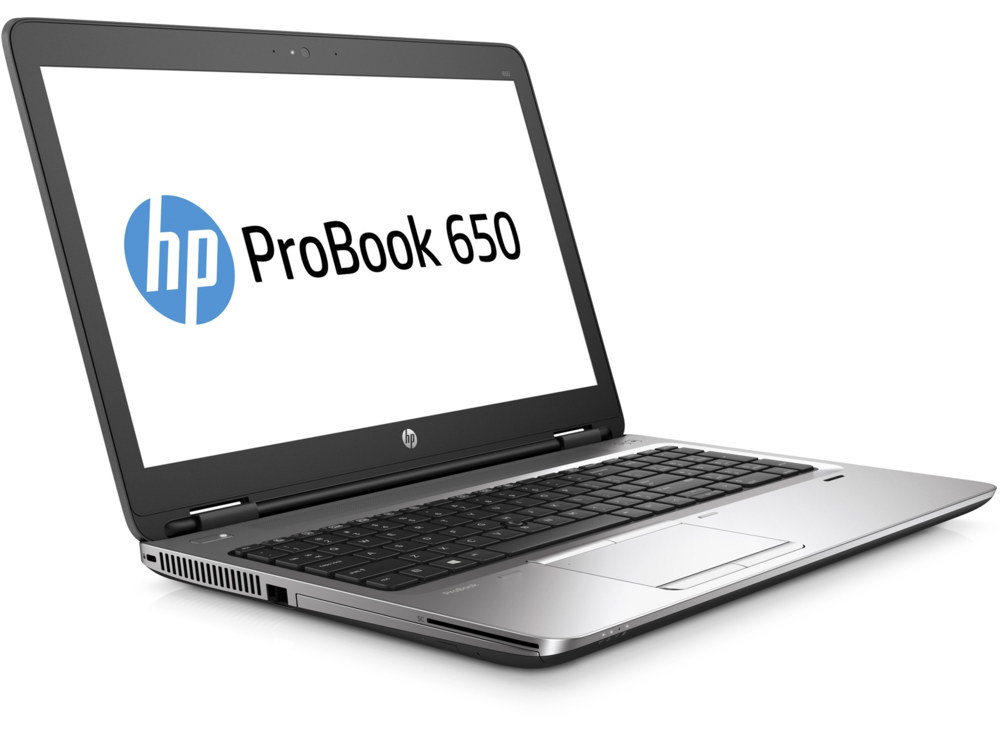
-
ceric64 a répondu à un(e) sujet de Squall NTCK dans Réseaux, Internet, Téléphonie et Services en LigneNon, c'est juste par rapport à la situation géographique.
-
ceric64 a répondu à un(e) sujet de Squall NTCK dans Réseaux, Internet, Téléphonie et Services en LignePardon digital-jedi, Je n'ai pas bien expliqué; le débit dans nos campagnes de nouvelle Aquitaine est plus proche du 56k/1Mo quand tout va bien et quand bien même je pourrais prétendre à maximum 2 Mo. Et avec cette offre je dépasse les 12 Mo. Donc rien à voir avec l'offre adsl d'orange basique qu'ils me proposent De plus, en campagne nous sommes loin de la fibre faute de bonne infrastructure. Et pour la cerise, je suis éligible à l'offre gouvernementale.
-
Ok merci ecatomb. 😃
-
Bonsoir, J'aurai une question : Je me suis commandé un ensemble de barrettes de ram identiques à celle que j'ai sur ma bécane personnelle et j'aurais souhaité savoir si j'ai quelque chose à modifier dans le bios lors de l'insertion des nouveaux modules? Je l'ai commandé ce midi et devrait donc débarquer à mon bureau courant de semaine.
-
ceric64 a répondu à un(e) sujet de Squall NTCK dans Réseaux, Internet, Téléphonie et Services en LignePour celles et ceux qui galèrent en campagne avec leur débit quasiment au ras des pâquerettes ET qui sont éligibles voici un forfait auquel j'ai craqué : https://boutique.orange.fr/eligibilite/internet-4g-a-la-maison
-
J'ai pris un nouvel abonnement intitulé : Forfait 4g avec la flybox (200Go de data) de chez orange (en boutique) car mon lieu de résidence est mal desservi par les telecom. Voici la bête : Il va rempacer un forfait 4g de chez NRJ mobile (100Go de data)
-
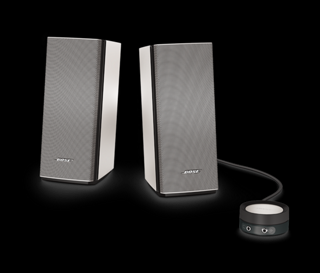
@ecatomb, elles sont merveilleuses elles ont plus de punch et de clarté que le set que j'avais avant les companion 2 serie III. 🤩 edit: je me suis mis la 1903 de chez Redmond et avec la creative c'est un pur moment que d'écouter un morceau.
-
Bose companion 20 reçues mercredi. 😎
-
-
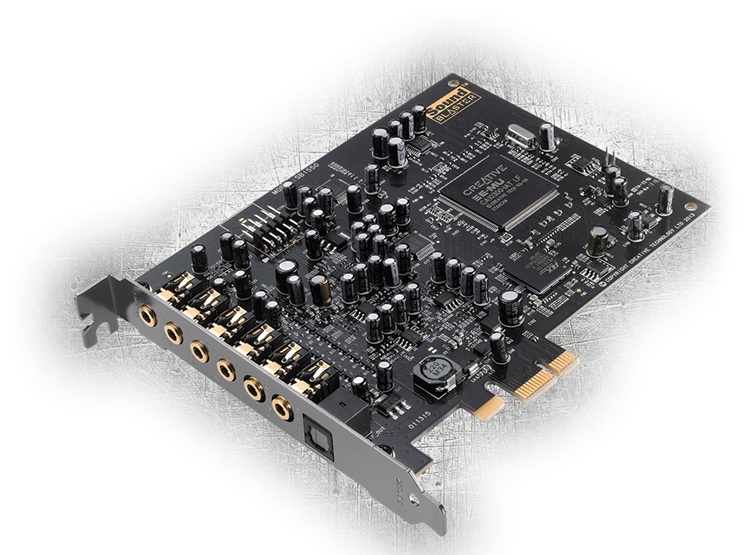
Je me suis pris celle-là pour remplacer une autre creative mal reconnue par la 18.04.0 d'Ubuntu et son kernel 4.15.0.XX.
-
Pour info le support de la nexus 7 "flo" avec ubuntu touch ne comporte plus de bug mais surtout il faut utiliser un bon cable et disposer d'un port USB 2.0 sans quoi ça ne fonctionnera pas et rendra votre "ardoise" inutilisable. Et puis surtout aimer mettre les mains dans le cambouis linux. Perso, je l'ai installé, c'est sympa, ça change d'android.
-
En effet, je confirme, il y a une méthode graphique c'est de lancer le gestionnaire de mises à jour un peu après la sortie de la nouvelle version car les serveurs sont chaque années pris d'assaut à chaque nouvelle version. Puis lancer dans la fenêtre du gestionnaire la mise à niveau en ayant au préalable exécuté toutes les mises à jour. Personnellement, je sens pour bien faire car rien ne vaut une installation fraîche. Comme j'ai découvert le créateur de disque de démarrage installé nativement dans la distribution ubuntu. Je vais exécuter la même manœuvre que j'ai employé sur le laptop, sur le desktop. Edit: en fait je me tente à migrer ou réinstaller car je serai obligé de me reparamétrer thunderbird et ça m'ennuie; Je sens que je vais faire la migration comme je l'ai conseillé à bred94.
-
Pour info, j'ai downgrade mon laptop (budgie) en 18.04.0 même s'il m'affiche 18.04.2 ici Je me suis préparé une clé avec un espace confortable en fat32 et j'ai utilise: Créateur de disque de démarrage et en avant la musique.
-
Attention d'après la feuille de route de canonical. Le support de la version 19.04 s’arrêtera en janvier/février 2020. Donc tu seras forcément amener à migrer d'abord en 19.10 puis en avril 2020, migrer vers la 20.04.
-
Je souhaite réaliser la même opération sur deux machines déjà en production sous 19.04 l'une sous environnement gnome (fixe) et environnement budgie (portable). Mais je ne sais pas répondre à cette énigme. Ce que je sais, c'est que si tu laisses par défaut le gestionnaire de "logiciels et mises à jour" par défaut, il fera la bascule à la 19.10 à sa sortie et après perso je le laisserai faire à nouveau la bascule vers la 20.04 et là j'arreterai le processus de mise à niveau. C'est la marche à suivre que je vais tenter.
-
Si la portabilité sur d'autres appareils que sur les desktops et autres laptops vous intéresse. Il y avait ubuntu touch et une nouvelle équipe a repris, depuis 2017, le flambeau. J'avais essayé avec un nexus 4 mais il avait explosé (la batterie). Je vais retenter avec un nexus 7 (2013) que j'ai d'ores et déjà commandé mais pas encore reçu. Je posterai alors à nouveau cette bascule.
-
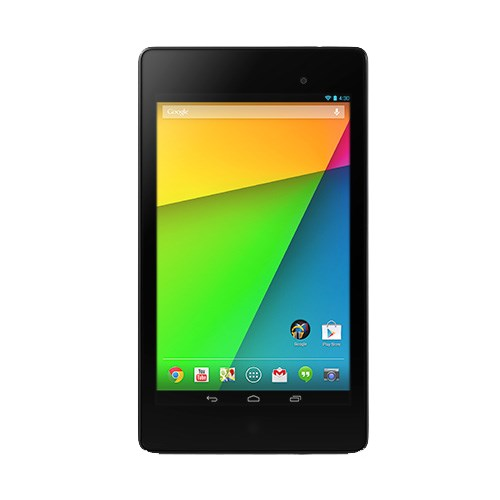
Cette fois-ci c'est ce petit bijou en reconditionné : Je devrais la recevoir prochainement. C'est celle de 2013 et je souhaiterais la basculer ver ubuntu touch et seul ce modèle est compatible avec cet os. Le modèle 2012 ne l'est pas.
-
-
Quelques jours que je viens d'installer ubuntu 18.04 (version normale powered by gnome) et ma foi ce n'est pas mal. Il y a dix ans j'avais franchi le pas en installant la 8.04. J'avais aime la gnome 2.X mais la gnome 3.X, comment dire c'est une autre tournure.
-
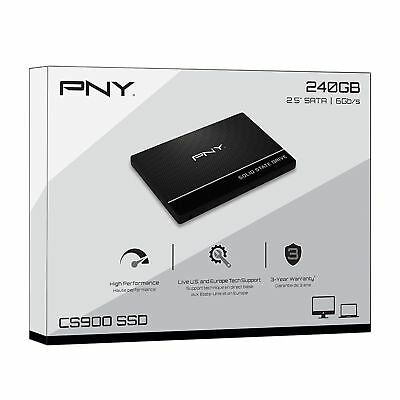
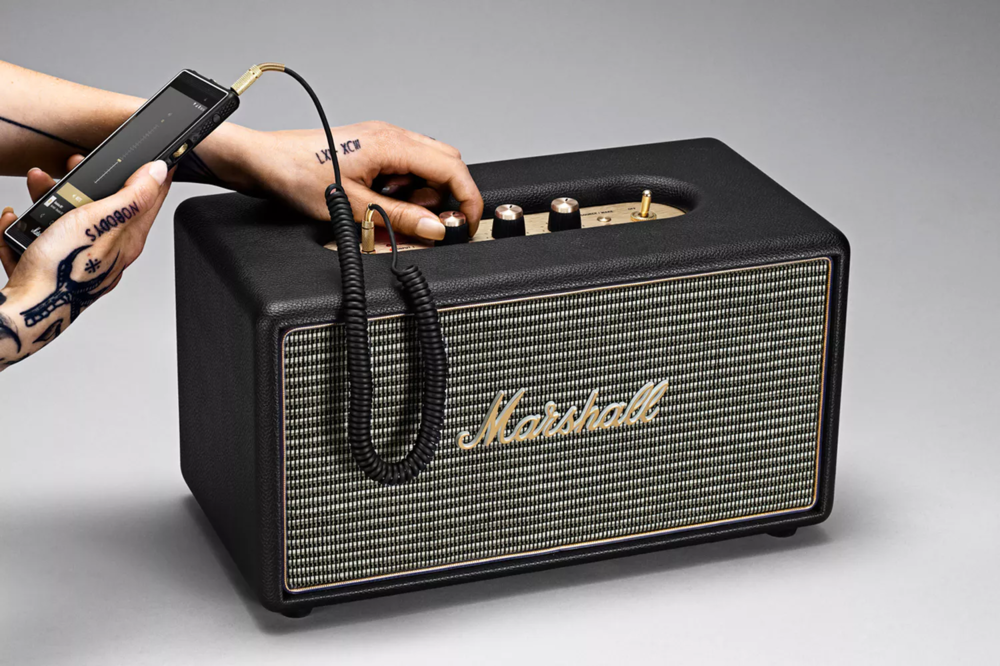
Je n'ai pu m’empêcher : et le deuxième:
-
En plus c'est de l'encre turquoise, qu'il y parait sur le bout de la plume... 😉
-
Je suis allé cherché le petit bijou hier et j'attends de le déballer sur mon futur bureau dans la pièce adéquate. Je posterai ultérieurement la nouvelle disposition de la nouvelle pièce. 🙂
-
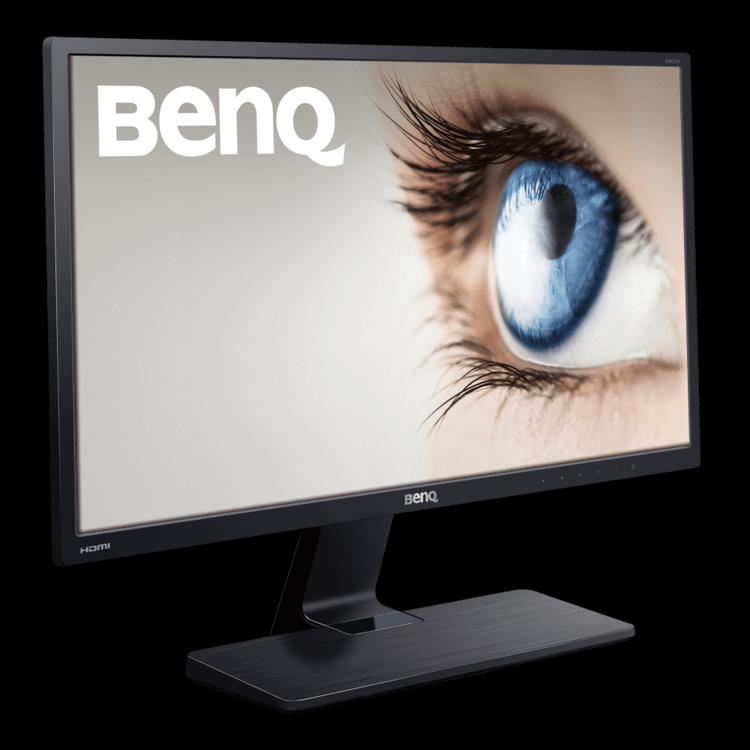
Dernier cracki (en occasion chez ldlc) et je devrais le recevoir ces prochains jours :
-
@Taum, la batterie n'était pas comprise? 🙄