-
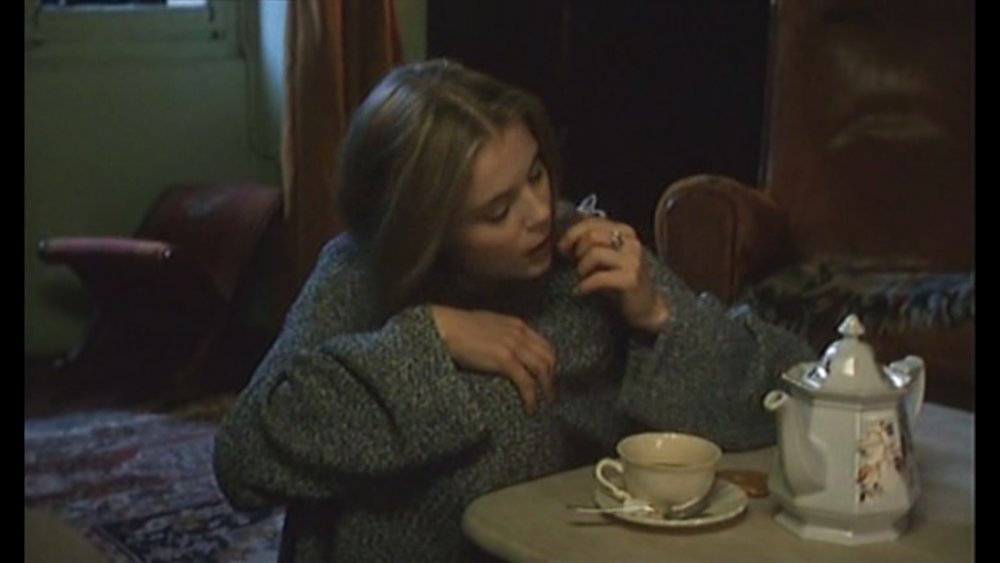
Le jeu du screenshot cinématographique
Si si, c'était la bonne réponse (que je n'ai pas vue passer...)
-
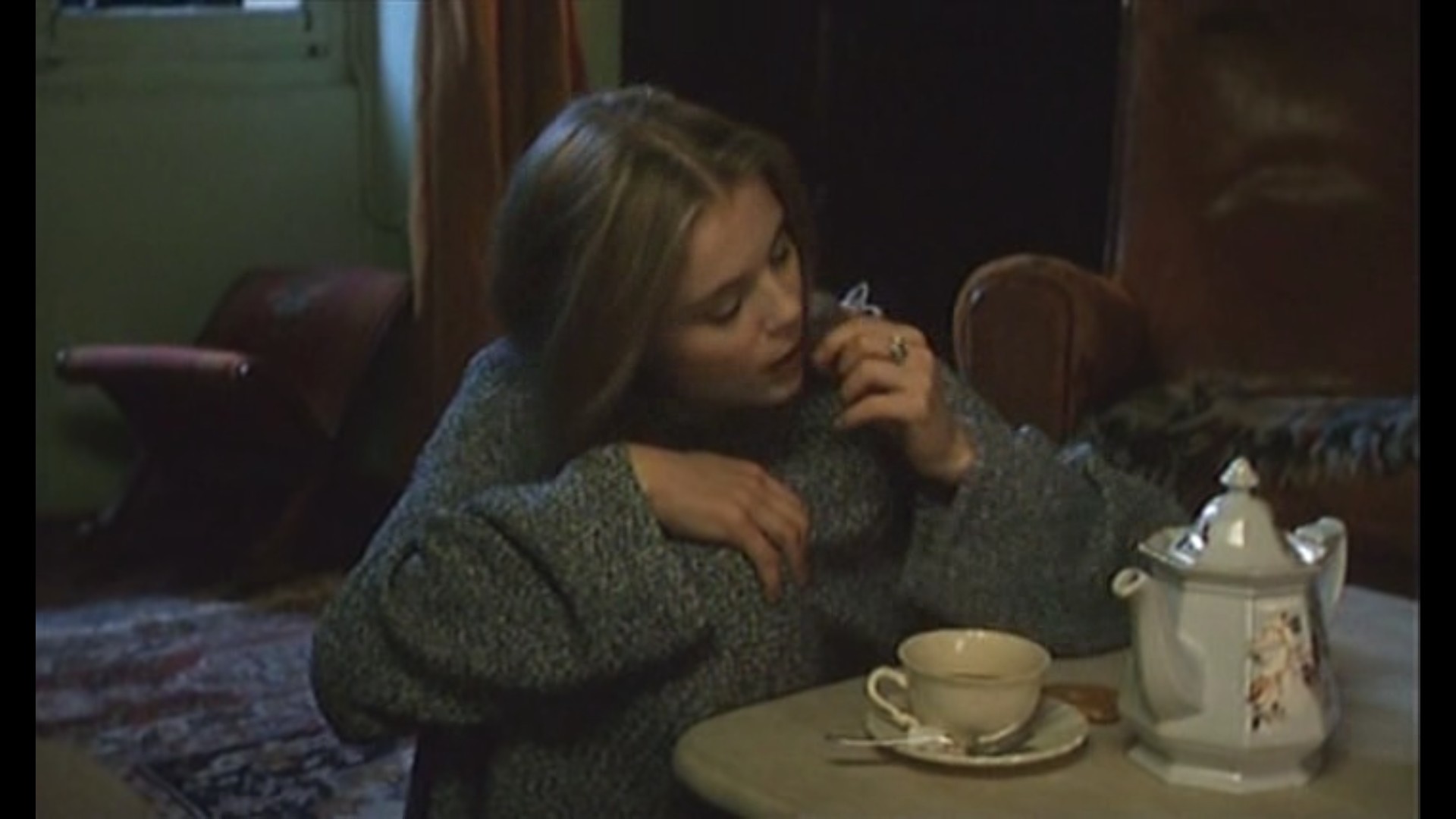
Le jeu du screenshot cinématographique
Ah ah, oui, on dirait ! (Pour vous aider encore davantage, on ne voit que ce personnage dans 99% du film...)

-
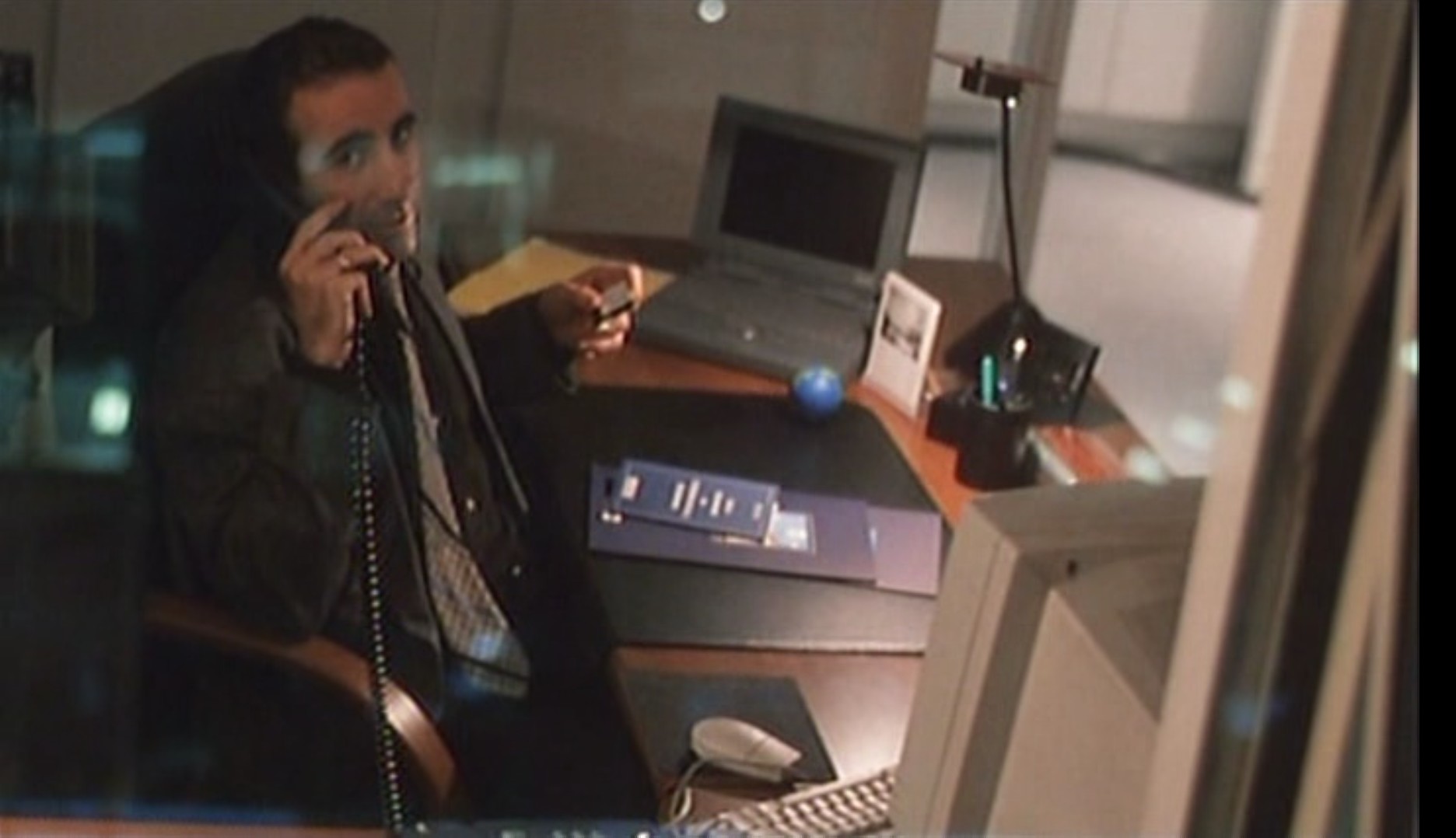
Le jeu du screenshot cinématographique
Nope 😄
-
Le jeu du screenshot cinématographique
-
Le jeu du screenshot cinématographique
- Le jeu du screenshot cinématographique
Solaris - 2002 ?- Le jeu du screenshot cinématographique
Exactement, la soupe aux choux !- Le jeu du screenshot cinématographique
- Le jeu du screenshot cinématographique
No country for old men - 2007- Le jeu du screenshot cinématographique
Moon (2009) (merci à Sam Rockwell)- Le jeu du screenshot cinématographique
Prince of persia, the sands of time ?- Le jeu du screenshot cinématographique
Salut à tous, n'ayant pas accès à mes DVD/disques pour poster une image, je laisse aux bons soins de qui veut se dévouer cette occasion 😉- Le jeu du screenshot cinématographique
Sacré indice !! "Le Vélo de Ghislain Lambert" :D- Le jeu du screenshot cinématographique
Steel Sharks (1997) ??- Le jeu du screenshot cinématographique
58 minutes pour vivre ? - Le jeu du screenshot cinématographique
fwak
INpactien
-
Inscription
-
Dernière visite
Account
Rechercher
Configure browser push notifications
Chrome (Android)
- Tap the lock icon next to the address bar.
- Tap Permissions → Notifications.
- Adjust your preference.
Chrome (Desktop)
- Click the padlock icon in the address bar.
- Select Site settings.
- Find Notifications and adjust your preference.
Safari (iOS 16.4+)
- Ensure the site is installed via Add to Home Screen.
- Open Settings App → Notifications.
- Find your app name and adjust your preference.
Safari (macOS)
- Go to Safari → Preferences.
- Click the Websites tab.
- Select Notifications in the sidebar.
- Find this website and adjust your preference.
Edge (Android)
- Tap the lock icon next to the address bar.
- Tap Permissions.
- Find Notifications and adjust your preference.
Edge (Desktop)
- Click the padlock icon in the address bar.
- Click Permissions for this site.
- Find Notifications and adjust your preference.
Firefox (Android)
- Go to Settings → Site permissions.
- Tap Notifications.
- Find this site in the list and adjust your preference.
Firefox (Desktop)
- Open Firefox Settings.
- Search for Notifications.
- Find this site in the list and adjust your preference.