
MeowMeow
INpactien
-
Inscription
-
Dernière visite
Tout ce qui a été posté par MeowMeow
-


Depuis l’album : tromatism
-

Depuis l’album : tromatism
-
Depuis l’album : tromatism
-
Marie-Antoinette
-
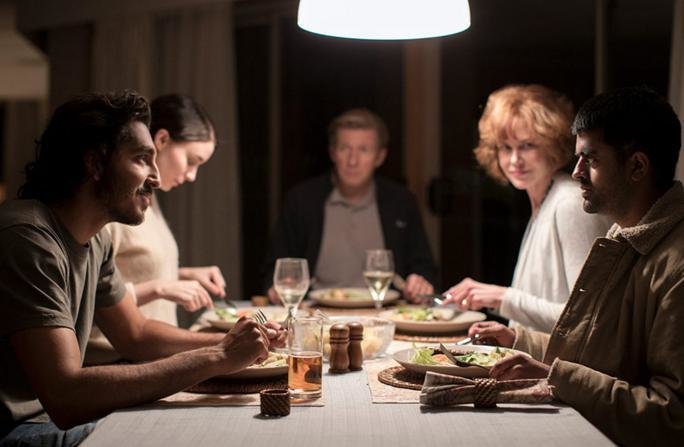
The Island ?
-
300 Bordel
-
gg
-
Mais genre. Comment j'ai fait pour sortir ce point. Du total pif!
-
Alexandre?
-
Et au milieu coule une rivière
-
Arrête-moi si tu peux
-
Captain America
-
Taxi ?
-
Transporteur?
-
Rush Hour 3
-

Depuis l’album : tromatism
-
-
MeowMeow a répondu à un(e) sujet de superlapin62 dans Jeux vidéo, Consoles, Rétrogaming et Jeux occasionels@brice.wernet jayjay
-
MeowMeow a répondu à un(e) sujet de superlapin62 dans Jeux vidéo, Consoles, Rétrogaming et Jeux occasionelsVouuui
-
Divergente ?
-
MeowMeow a répondu à un(e) sujet de superlapin62 dans Jeux vidéo, Consoles, Rétrogaming et Jeux occasionelsSly Cooper: Thieves in Time
-
Le roi arthur
-
@Charles.w Dit toi, que la "dark synthwave" s'inspire de la batcave :) Comme ce groupe : https://www.youtube.com/watch?v=9zWvrgtxugc
-
Y'a deux films "Casino Royal" ou "Casino Royale" ? Sinon, c'est vraiment cruel.
-
CETTE BLAGUE