
MeowMeow
INpactien
-
Inscription
-
Dernière visite
Tout ce qui a été posté par MeowMeow
-
 MeowMeow a répondu à un(e) sujet de superlapin62 dans Jeux vidéo, Consoles, Rétrogaming et Jeux occasionelsWorms Battle Islands
 -
Une autre photo?
-
Pour Daniel Guérin, déjà il parle d'homosexualité dans le milieu ouvrier. Puis ses 2 bouquins sur le fascisme sont vraiment chouette. Il était espion pour la France pour le gouvernement de Léon Blum. Merci pour l'infos du bouquin, je vais zioté cela 🙂
-
@Charles.w Je te conseil Daniel Guérin et liv strömquist.
-
Mon premier joujou 😄
-
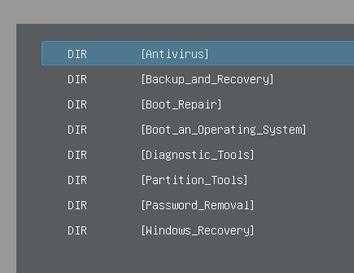
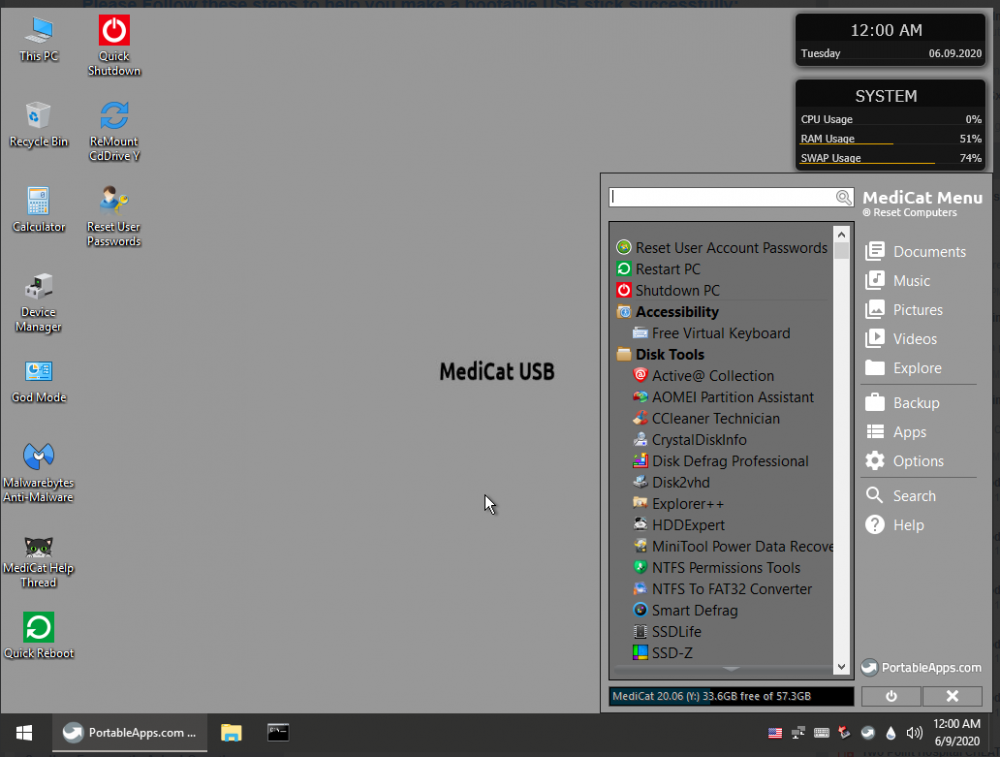
Update : Kit du petit dépanneur informatique Tournevis Aimanté c’est toujours mieux. Sinon, avec un aimant quelconque, tu peux rendre un tournevis aimantable. J’ai pris ce kit-là mais tu peux prendre aussi celui-là ou autres, selon vos gouts. Comment aimanté ses tournevis soit même : avoir un aimant puis mettre vos tournevis dessus pendant quelques et hop --> tournevis aimanté! - Clef USB Avant l'édit, j'avais écris que j'avais une 10ène de clef USB. Mais maintenant, il existe Vantoy (voir ici) C'est à dire, avec Ventoy, je peux mettre dans une seule clef USB plusieurs .ISO et choisir sur lequel booter. Donc au lieu d'avoir une clef usb pour chaque système, maintenant, vous pouvez utiliser qu'une seul clef usb pour vos .ISO. Donc je vous conseil une clef de 128go. Alors niveau des ISO : - Windows 10 2004 64bit - Windows 10 1909 64 bit (car la 2004 n'est pas encore compatible avec tous les pc). - Debian 64bit et 32bit. - Manjaro 64bit. - Mint (debian) 64bit. - Kali Linux 64 bit. - CloneZilla - UBCD (voir ici) - Gparted (voir ici) - MediCat (la super stars, cela remplace HirenBoot) --> "✔ Project is still active. ✔ This project is absolutely free to use; I do not charge anything for MediCat USB. ✔ The full MediCat USB aims to replace Hiren's Boot CD/DVD, for bleeding edge computers. ✔ Derivative projects are allowed and encouraged. ✔ MediCat USB is clean of viruses, malware, or any kind of malicious code. ✔ Modify MediCat's ISOs and menus as you see fit! ✔ USB bootable using ImageUSB. ✔ Supports Legacy BIOS (CSM) and UEFI ✔ Now has a page on http://alternativeto.net/software/medicat-dvd/ ✔ Gluten-free, non-GMO, gender neutral, and no trans-fats!" o 32bits/64bits par rapport à aux processeurs. Ubuntu et Windows abandonne le 32bits, il reste que Debian. o Déjà avoir les versions d’os les plus rependu (pour éviter de perdre votre temps, demander l’os de la machine). o Debian pour remplacer des XP 32 bit ou Mint pour des premières machines sous XP, VISTA, W7 en 64bit. Je trouve Mint très facile utilisation (dès installations, il y a tous les paquets : libre office, vlc, firefox, flashplayer etc). Environnement Mate car c’est la plus ressemblante à du windows. Si vous avez des utilisateurs avec des veilles bécane, qui font que du internet, streaming, torrent, traitement de texte, mail et sans plus : imposé linux. Tu peux même faire un essai avec la personne en question. J’indique aux personnes qu’avec Linux : il y a moins de virus, gratuit et évolutif et plus rapide. Par contre, je dis bien que tout n’est pas compatible avec Linux. Pour vous : ne recommander rien si vous ne connaissez pas le système. Faut au moins maitriser le système afin d’être un meilleur accompagnateur pour une personne qui fait une première utilisation de Linux. Par exemple, des petits trucs à la con : comment mettre à jours, installer des logiciels, où sont les logiciels, régler l’économiseur (important). Et surtout laisser la personne manipuler. o Debian 32bits pour les plus vieux systèmes où Mint ne passe pas : « J’ai un souci avec XP » : C’EST NON DIRECT ». Tu fais une sauvegarde des données et tu bascules sur Linux. o Ubcd : tester tous les disques durs et ram (+ pleins de trucs). o Kali linux : du bonus. Pour voir la sécurisation – tester votre mot de passe wifi. WEP : 2min c’est fait (avoir clef wifi compatible). o Une dernière clef : les derniers logiciels à jours. Par contre, cette clef va être partout. Faite super gaffe au virus. Je passe sous Linux, je télécharge les logiciels : copier-coller sur la clef. Puis après son utilisation formatage sous Linux etc et rebelotte. Autres matos : - Piles bios; - Câbles Sata, vga, dvi etc - Adaptateur vga/dvi + autres Testeur d’alim - Adaptateur HDD 3,5pouces et 2,5pouces. - Bombe air à sec - Des pièces de rechange : alimentation, carte graphique, dd, ram etc. Si tu as un tel qui peut faire modem 4G avec ton pc perso, c’est cool aussi. Et regarde des tutoriels sur internet avant de démonter un pc portable en question. Débranche toujours l'alimentation et débranche la batterie sur les portables. Des miaou. dédicace à @Carpe_Diem :3
-
vol au dessus d'un nid de coucou
-
The X-Files, le film : Combattre le futur
-
ghostbuster
-
Agence tout risque
-
@TdbSpidey Dommage, c'est vraiment un bon film.
-
JayJay! Tu l'as vu?
-
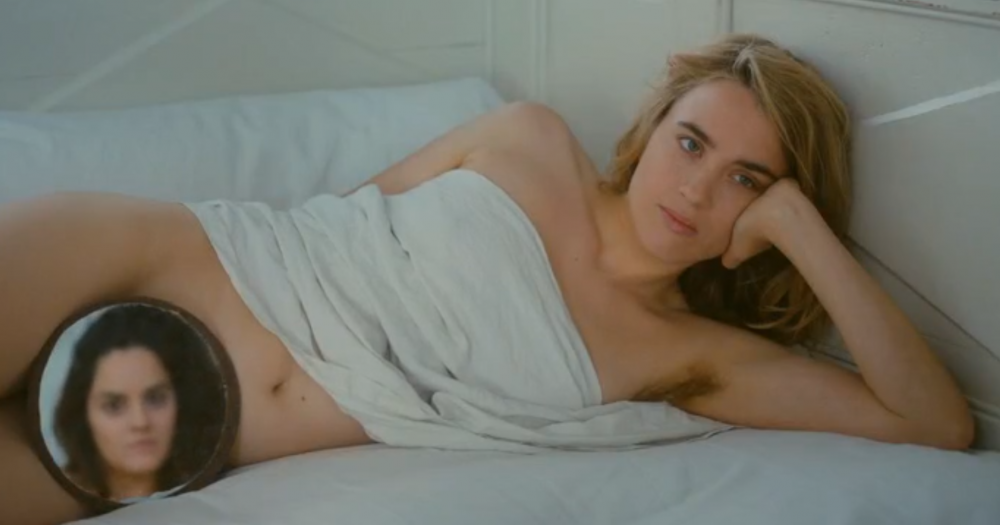
Youpi :)
-
Canicule
-
Avec plaisir? Quand et ou?
-
Nop
MeowMeow a répondu à un(e) sujet de superlapin62 dans Jeux vidéo, Consoles, Rétrogaming et Jeux occasionelsCannon Fodder 2
Enfin 1 point! Il était temps!
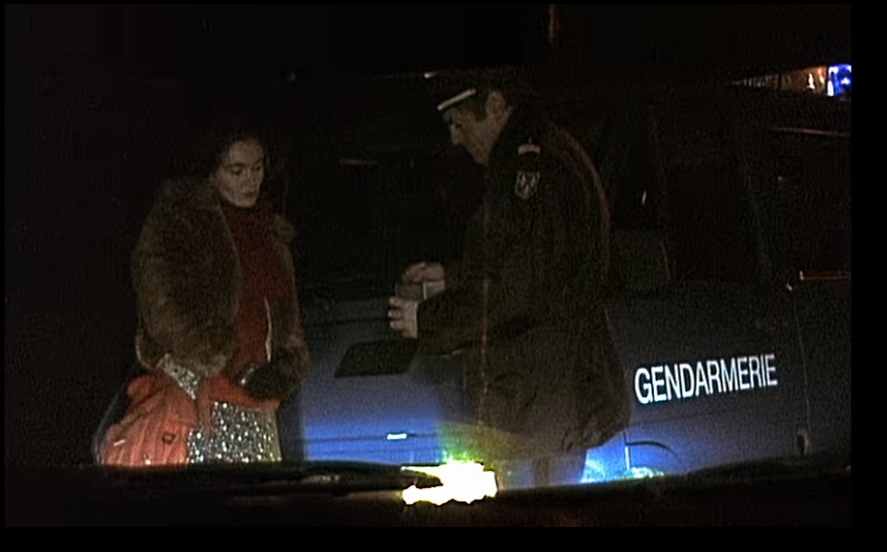 Alexandre le Bienheureux
La chante une reprise de Kate Bush ❤️ "Running Up That Hill"
Jeu d'enfant
La Coccinelle
Erf, j'y étais presque
Alexandre le Bienheureux
La chante une reprise de Kate Bush ❤️ "Running Up That Hill"
Jeu d'enfant
La Coccinelle
Erf, j'y étais presque