




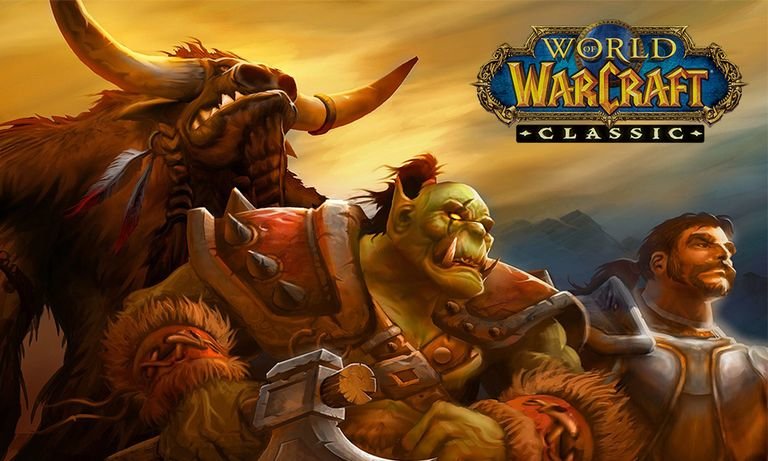

À propos de ce club
Pour tout fan du mmo de Blizzard - Que ça soit pour WoW actuel et WoW classic
Quoi de neuf dans ce club
-
 davidwyatt309 s’est inscrit au club
 -
 Aloyse57 s’est inscrit au club
 -
 Asseo s’est inscrit au club
 -
 Sielnis s’est inscrit au club
 -
 Gwanana s’est inscrit au club
 -
 Spirit_twin s’est inscrit au club
 -
 keneda212 s’est inscrit au club
 -
 Ellierys s’est inscrit au club
 -
 Cara62 s’est inscrit au club