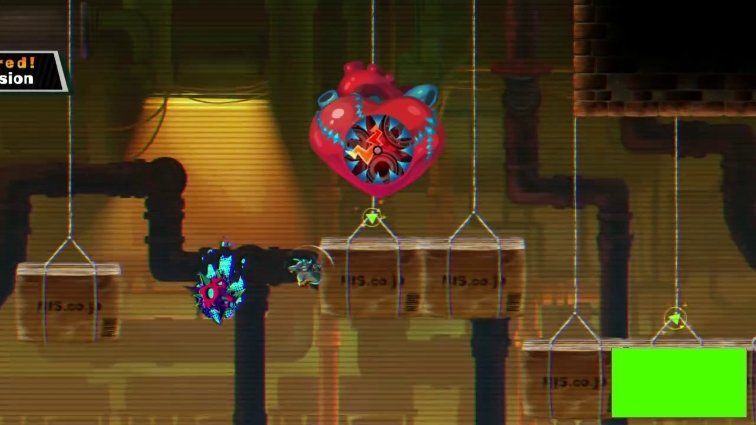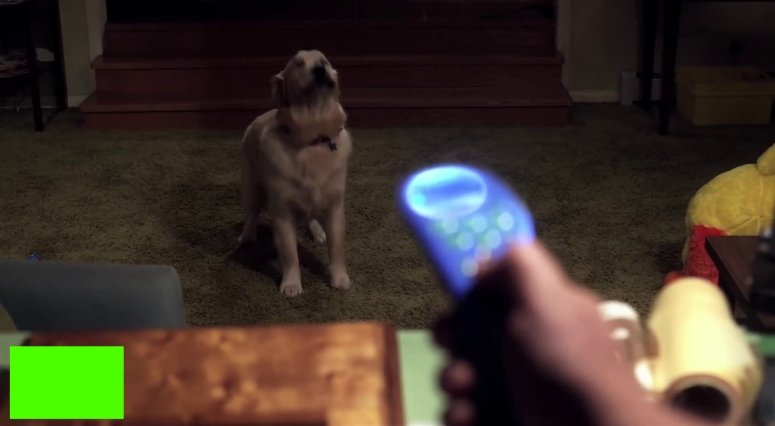
foetus
Stormtrooper
-
Inscription
-
Dernière visite
Tout ce qui a été posté par foetus
-
 foetus a répondu à un(e) sujet de superlapin62 dans Jeux vidéo, Consoles, Rétrogaming et Jeux occasionelsMoon hunters - 2016 ?
 -
foetus a répondu à un(e) sujet de superlapin62 dans Jeux vidéo, Consoles, Rétrogaming et Jeux occasionels@Minikea a pris le titre de l'article "Commander Keen, Please Come Back!", mais ce dernier parle bien de Secret of the Oracle D'après wikipedia, il n'y a aucun épisode avec ce titre Il a fait comme moi, il a vu 1 image et il s'est dépêché pour poster le titre Donc 1 énorme fail
-
foetus a répondu à un(e) sujet de superlapin62 dans Jeux vidéo, Consoles, Rétrogaming et Jeux occasionelsKeen Dreams ? Un épisode de «Commander Keen» ressuscité, lien 20minutes de 2014 Édit : C'est la mauvaise image que 20 minutes a mise. Celle avec la police rouge et le cartouche non transparent
-
foetus a répondu à un(e) sujet de superlapin62 dans Jeux vidéo, Consoles, Rétrogaming et Jeux occasionelsTu pouvais répondre, @TdbSpidey avait donné 1 réponse ... à moins que les règles soient différentes
-
foetus a répondu à un(e) sujet de superlapin62 dans Jeux vidéo, Consoles, Rétrogaming et Jeux occasionelsnope
-
foetus a répondu à un(e) sujet de superlapin62 dans Jeux vidéo, Consoles, Rétrogaming et Jeux occasionels@ashlol merci
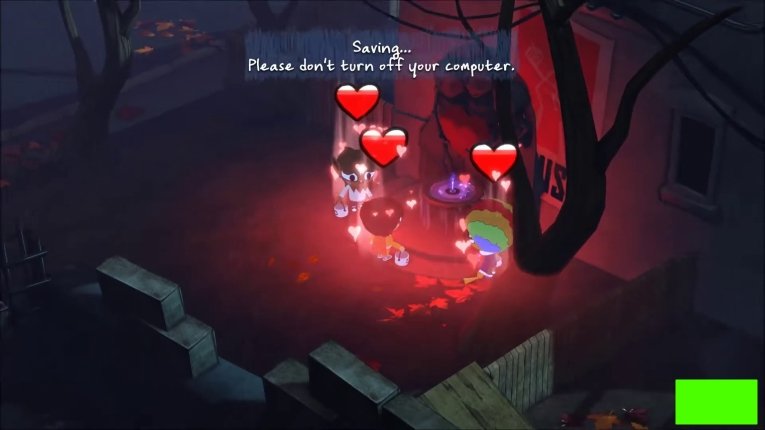
-
foetus a répondu à un(e) sujet de superlapin62 dans Jeux vidéo, Consoles, Rétrogaming et Jeux occasionelsFIFA 99 ?
-
foetus a répondu à un(e) sujet de superlapin62 dans Jeux vidéo, Consoles, Rétrogaming et Jeux occasionelsStar Trek: Voyager - Elite Force je l'avais
-
foetus a répondu à un(e) sujet de superlapin62 dans Jeux vidéo, Consoles, Rétrogaming et Jeux occasionels
foetus a répondu à un(e) sujet de superlapin62 dans Jeux vidéo, Consoles, Rétrogaming et Jeux occasionels
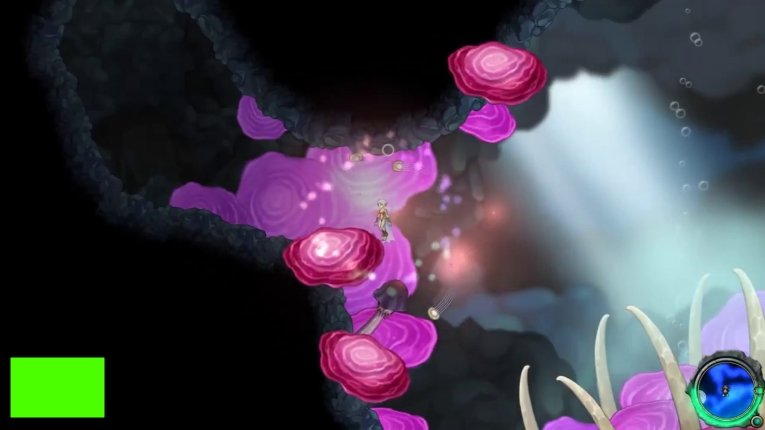
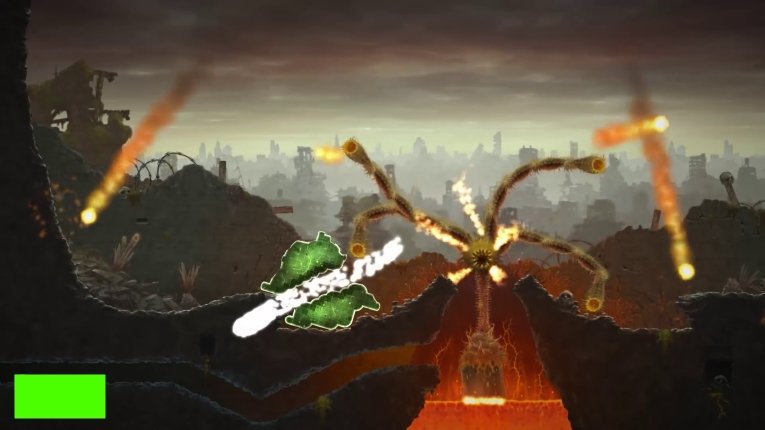
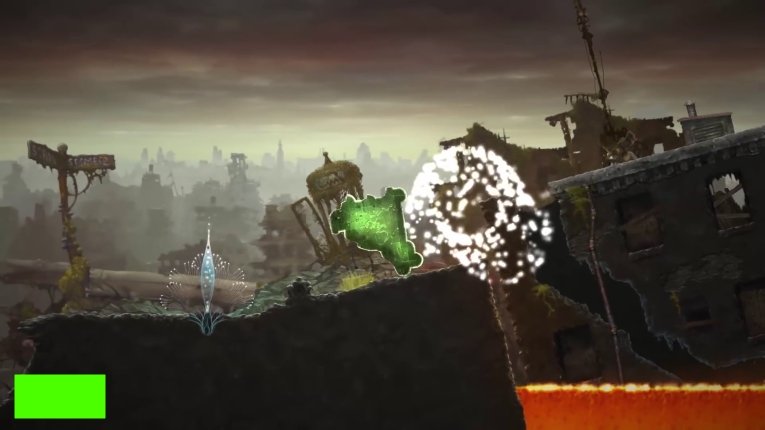
foetus a répondu à un(e) sujet de superlapin62 dans Jeux vidéo, Consoles, Rétrogaming et Jeux occasionelsSalt and Sanctuary ?
Ces 2 têtes de douille on ne le reconnaît pas ... le temps a aussi fait son effet.
 Bloodshot - 2020 ?
foetus a répondu à un(e) sujet de superlapin62 dans Jeux vidéo, Consoles, Rétrogaming et Jeux occasionels
foetus a répondu à un(e) sujet de superlapin62 dans Jeux vidéo, Consoles, Rétrogaming et Jeux occasionels
foetus a répondu à un(e) sujet de superlapin62 dans Jeux vidéo, Consoles, Rétrogaming et Jeux occasionels
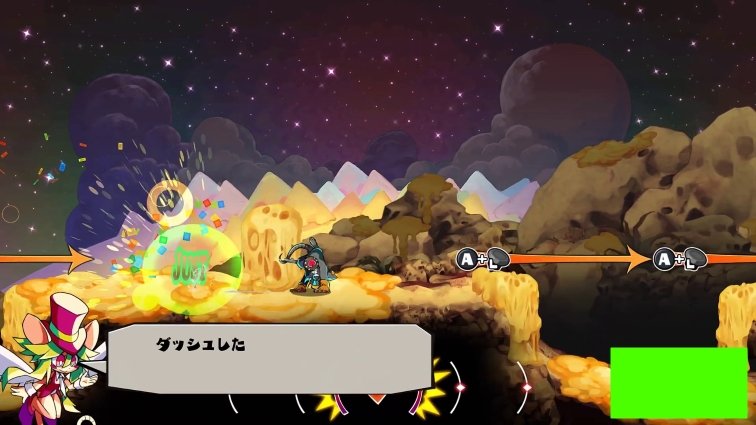
foetus a répondu à un(e) sujet de superlapin62 dans Jeux vidéo, Consoles, Rétrogaming et Jeux occasionelsJe confirme parce que le jeu c'est Rad Rodgers - Radical Edition sorti en 2018
foetus a répondu à un(e) sujet de superlapin62 dans Jeux vidéo, Consoles, Rétrogaming et Jeux occasionelsShank 2 ?
foetus a répondu à un(e) sujet de superlapin62 dans Jeux vidéo, Consoles, Rétrogaming et Jeux occasionels... mais modifié
foetus a répondu à un(e) sujet de superlapin62 dans Jeux vidéo, Consoles, Rétrogaming et Jeux occasionels
foetus a répondu à un(e) sujet de superlapin62 dans Jeux vidéo, Consoles, Rétrogaming et Jeux occasionels
Bloodshot - 2020 ?
foetus a répondu à un(e) sujet de superlapin62 dans Jeux vidéo, Consoles, Rétrogaming et Jeux occasionels
foetus a répondu à un(e) sujet de superlapin62 dans Jeux vidéo, Consoles, Rétrogaming et Jeux occasionels
foetus a répondu à un(e) sujet de superlapin62 dans Jeux vidéo, Consoles, Rétrogaming et Jeux occasionels
foetus a répondu à un(e) sujet de superlapin62 dans Jeux vidéo, Consoles, Rétrogaming et Jeux occasionelsJe confirme parce que le jeu c'est Rad Rodgers - Radical Edition sorti en 2018
foetus a répondu à un(e) sujet de superlapin62 dans Jeux vidéo, Consoles, Rétrogaming et Jeux occasionelsShank 2 ?
foetus a répondu à un(e) sujet de superlapin62 dans Jeux vidéo, Consoles, Rétrogaming et Jeux occasionels... mais modifié
foetus a répondu à un(e) sujet de superlapin62 dans Jeux vidéo, Consoles, Rétrogaming et Jeux occasionels
foetus a répondu à un(e) sujet de superlapin62 dans Jeux vidéo, Consoles, Rétrogaming et Jeux occasionels
Account
Rechercher
Configure browser push notifications
Chrome (Android)
- Tap the lock icon next to the address bar.
- Tap Permissions → Notifications.
- Adjust your preference.
Chrome (Desktop)
- Click the padlock icon in the address bar.
- Select Site settings.
- Find Notifications and adjust your preference.
Safari (iOS 16.4+)
- Ensure the site is installed via Add to Home Screen.
- Open Settings App → Notifications.
- Find your app name and adjust your preference.
Safari (macOS)
- Go to Safari → Preferences.
- Click the Websites tab.
- Select Notifications in the sidebar.
- Find this website and adjust your preference.
Edge (Android)
- Tap the lock icon next to the address bar.
- Tap Permissions.
- Find Notifications and adjust your preference.
Edge (Desktop)
- Click the padlock icon in the address bar.
- Click Permissions for this site.
- Find Notifications and adjust your preference.
Firefox (Android)
- Go to Settings → Site permissions.
- Tap Notifications.
- Find this site in the list and adjust your preference.
Firefox (Desktop)
- Open Firefox Settings.
- Search for Notifications.
- Find this site in the list and adjust your preference.